On the room screen
Put the words on the big screen.
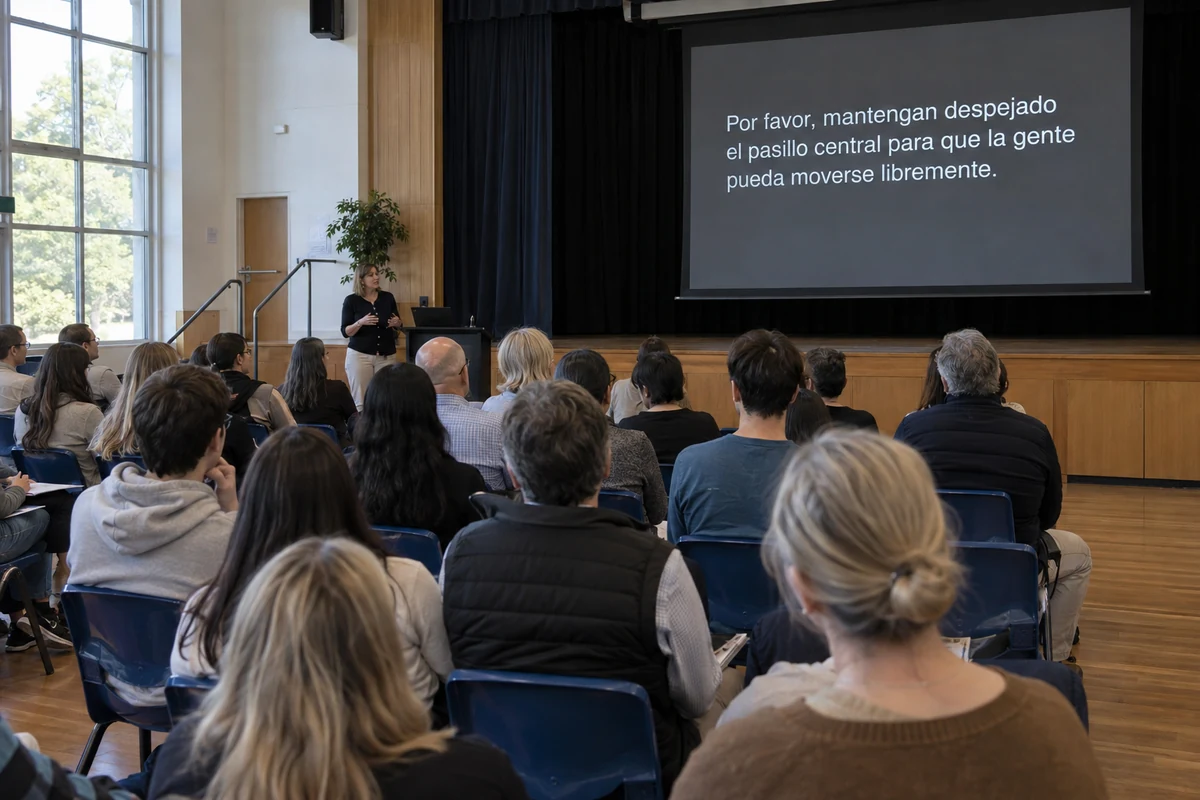
Open the screen link on the computer that feeds your projector or TV, go full screen, and the room reads along in the language you chose for it. Your logo and your colours are on it from the first line.
Setting up the screen
The screen output is a web page. Open it on the laptop or media computer already connected to the projector, television or LED wall, and press one key for full screen. There is no extra box to buy and nothing to add to that computer.
Choose the language the room will read. The screen shows that one language, large, for everyone in front of it. Set it at the start and it holds for the whole event.
Your logo and your colours are saved against the venue, so every event opens looking like yours without anyone setting it up again. Change them from the venue settings whenever you want.
What you can set
Set once on the venue page, adjust on the day from the screen itself.
-
Text size
Set the size for the venue, then make the words larger or smaller in small steps from the keyboard while the screen is live, until they read clearly from the last row of seats.
-
Lines on screen
Choose how many lines stay visible, from one to twenty. A large hall reads fewer, larger lines; a meeting room can carry more.
-
Background and text colours
A dark screen with light text or a light screen with dark text, in your own colours, to suit how bright the room is.
-
Position and margins
Left-aligned or centred text, and how far the words sit from the bottom and from the sides of the screen, so nothing is lost behind a frame or a projector crop.
-
When the room goes quiet
Clear the screen after ten seconds, twenty-five, a minute or never, and choose whether a waiting message shows before the first words.
-
Your logo
Upload it once in the venue settings and it sits in the corner of the screen at every event. Remove it and it is gone.
One screen, one language
A projector is a shared surface. Everyone in front of it reads the same words, so the screen carries one language, chosen by whoever runs it. That is the right trade for a big screen: one language at full size reads from anywhere in the room, where two or three side by side would each be too small to follow.
People who need a different language read it on a phone, from the same session, so the screen stays large and clear for the language most of the room shares.
Readable from the back row
Text arrives a line at a time and moves up the screen as new lines come in. Nothing flashes and nothing is replaced under the reader’s eyes; a line stays until newer lines have pushed it off the top.
Set the colours for the room you have. Light text on a dark background holds up in a dimmed hall; dark text on a light background suits a bright room with the lights up. When the speaker pauses, the screen says it is waiting rather than going dark.
Before your event
A few good questions.
Setting up a hall or a chamber? We can help you work out what you need.
Talk to usCan one screen show two languages?
Does it work with the projector or TV we already have?
Is there an extra charge for the screen?
Put it on your own screen.
Open the link on the computer behind your projector, go full screen, and read it from the last row yourself.
A$10 of free credit when you sign up, no credit card needed. Credit never expires — use it this week or next year.