SpanVoice servers
- audio to text recognition
- translating
- translated text to audio
AU · EU · US
How it works
From the one feed you already send to the speakers, to every phone, screen and stream in the building, in the languages your audience chose. Four steps, and nothing for the audience to install.
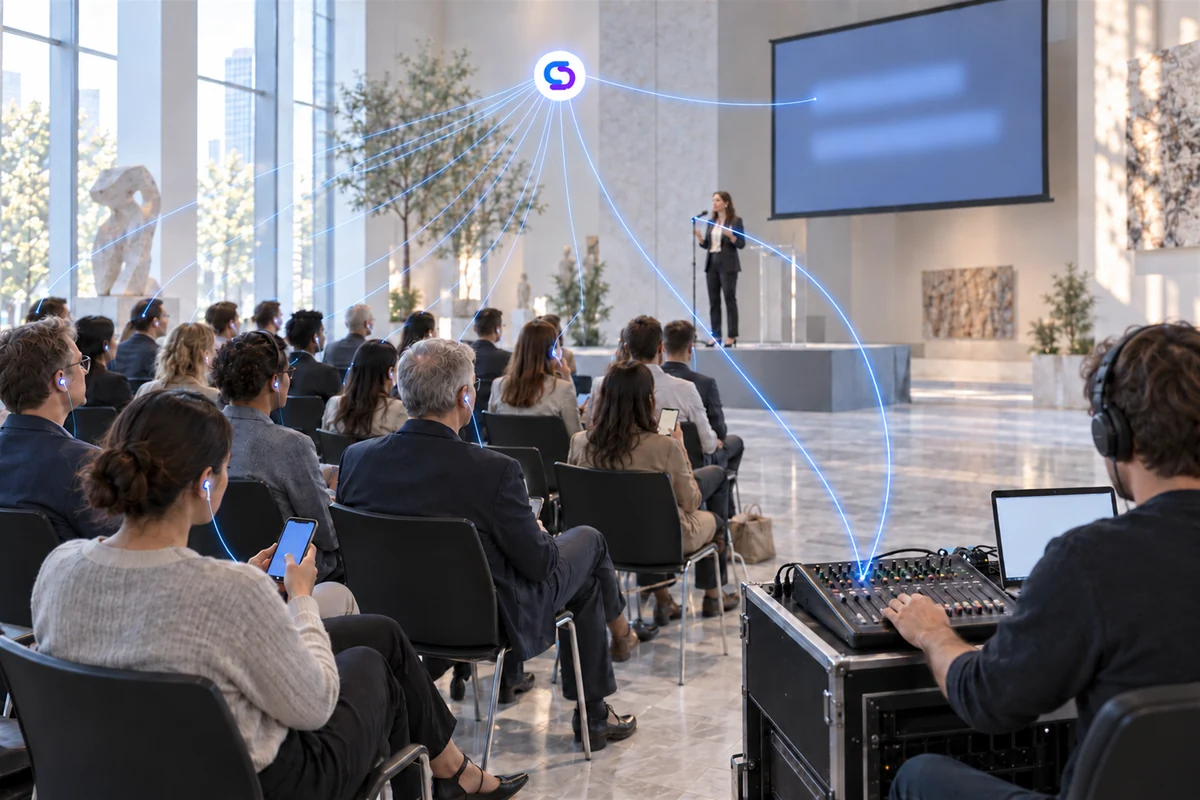
The whole thing
What you do, in order. Nothing in it needs a technician, and nothing is handed to the audience.
Open the Windows app on the computer at the sound desk and choose the feed from the mixer, or open the browser page on a laptop and choose its microphone. Press Start.
Your venue has one listening link and one QR code. Print it, project it, put it in the programme. Open the screen page on the projector if you have one, and add the caption band to your stream if you run one.
People open the link on their own phone and pick what they read, each of them independently. The room screen carries the one language you chose for it. Captions arrive as the speaker talks.
Pause and resume from the desk, change the spoken language if a second speaker takes over, and stop when it ends. You pay for the hours you ran.
The people watching install nothing at all. At the desk a browser is the minimum, and a mixer feed through the Windows app is the better one.
The same feed that already goes to the speakers. A browser is enough to start; where there is a mixer, the Windows app takes the signal straight off it and holds steadier.
in a browser, nothing to install
the Windows app, signal straight off the desk
SpanVoice servers
AU · EU · US
Each person reads in the language they chose, in their own browser.
Captions sized for a room, in the colours the venue picked.
A caption band over the video, as a browser source in OBS, vMix or similar.
Spoken in their language, through the headphones already in their pocket.
One person speaks, and the same words reach all three together.
“The exits are at the back and on the far side of the room.”
Las salidas están al fondo y en el lado opuesto de la sala.
Las salidas están al fondo y en el lado opuesto de la sala.

Las salidas están al fondo y en el lado opuesto de la sala.
Four things, and most venues have all of them already.
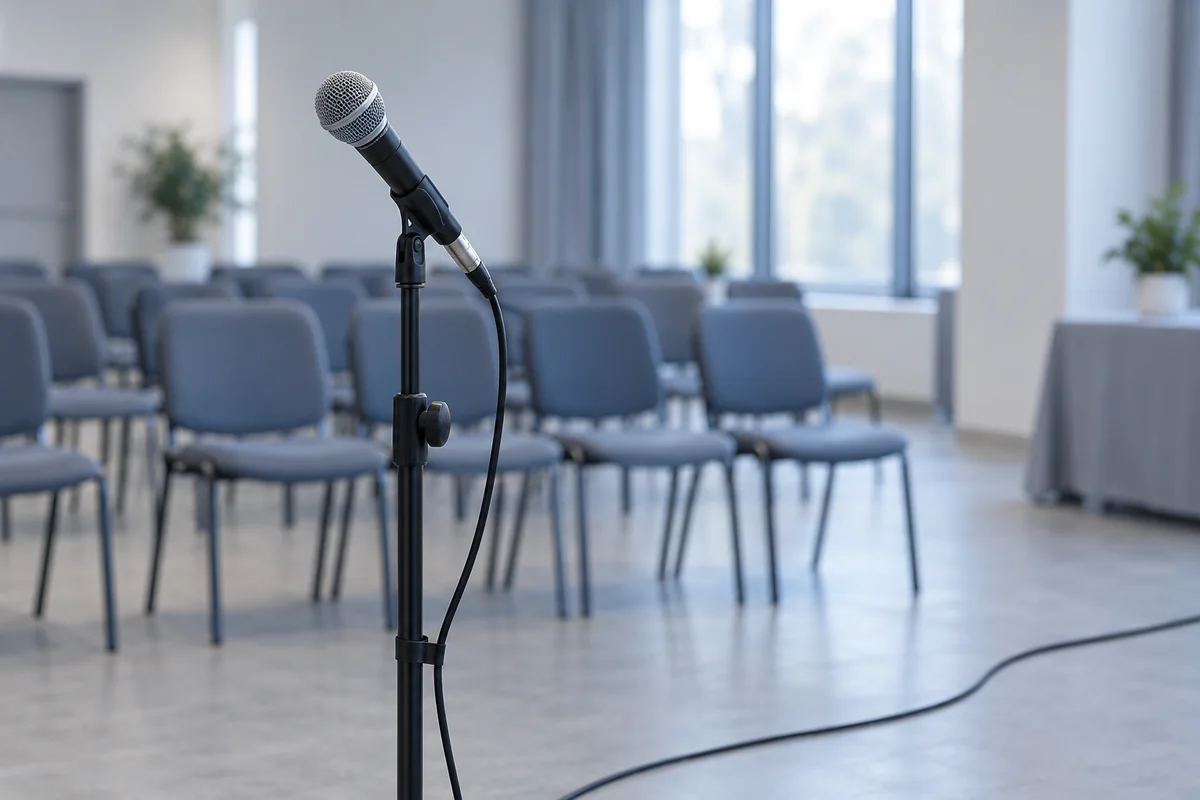
The one the speaker already uses. Its sound reaches the session from the mixer, or from the device at the front that is running it.
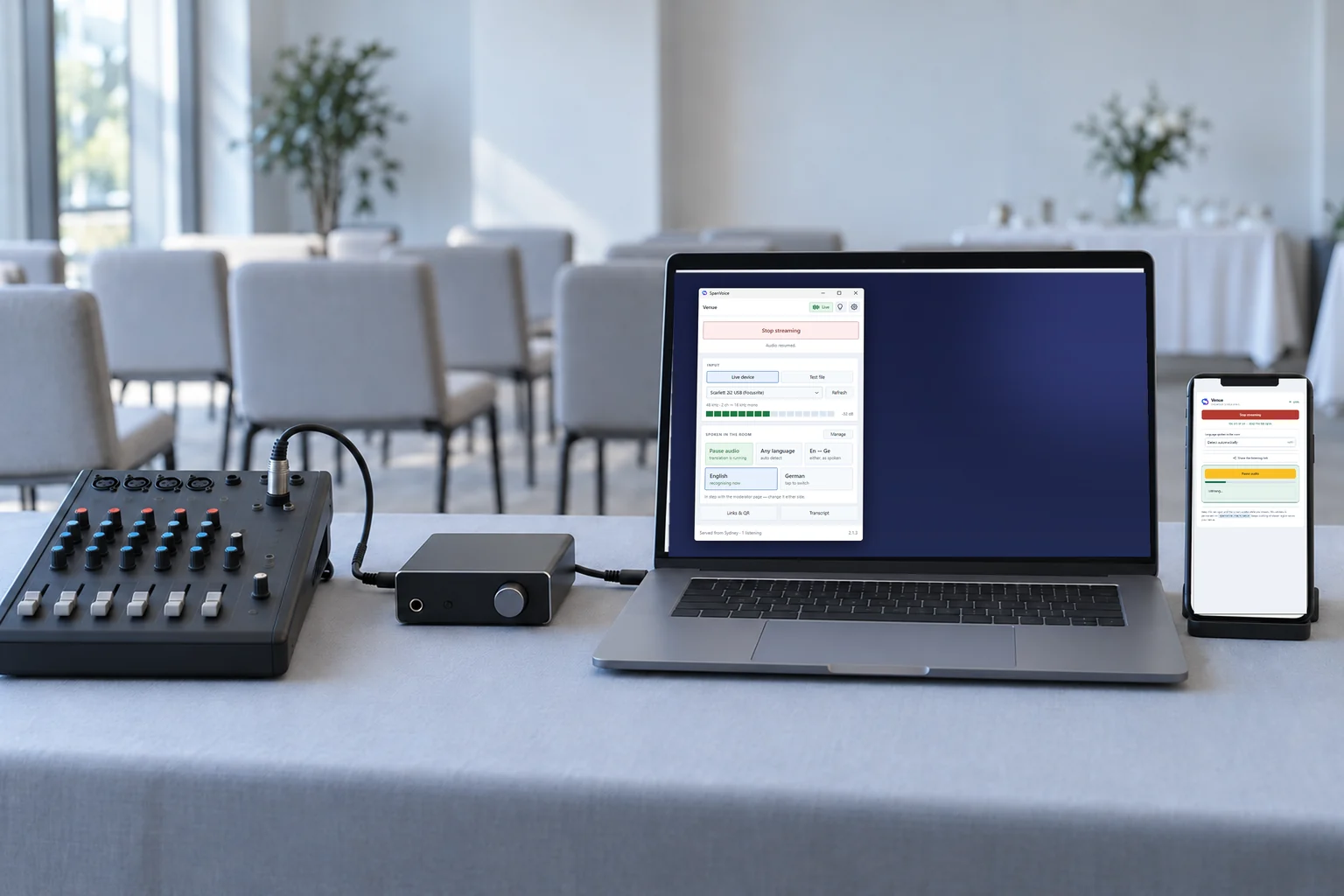
A phone, tablet or laptop with a browser is enough. A computer at the sound desk, taking the sound straight from the mixer, gives cleaner recognition and a better result.
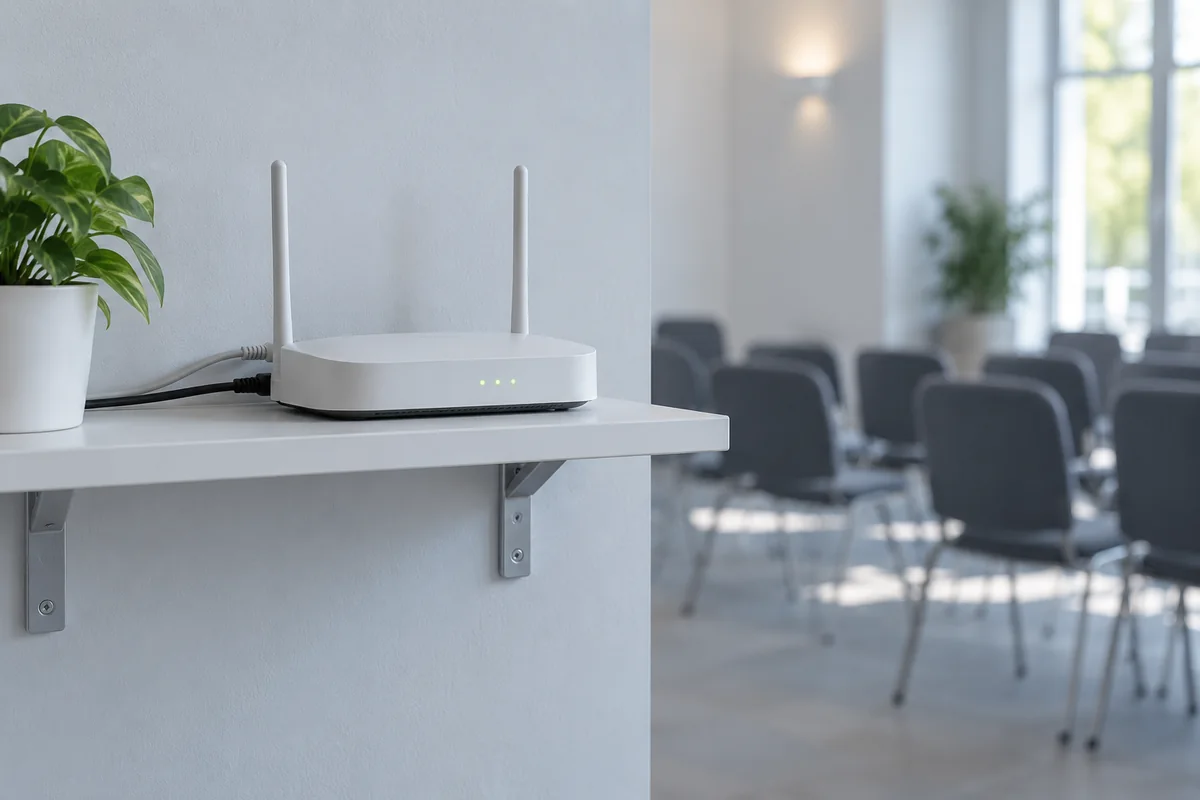
For the device running it and for the phones in the room. Venue wifi or mobile data both do.
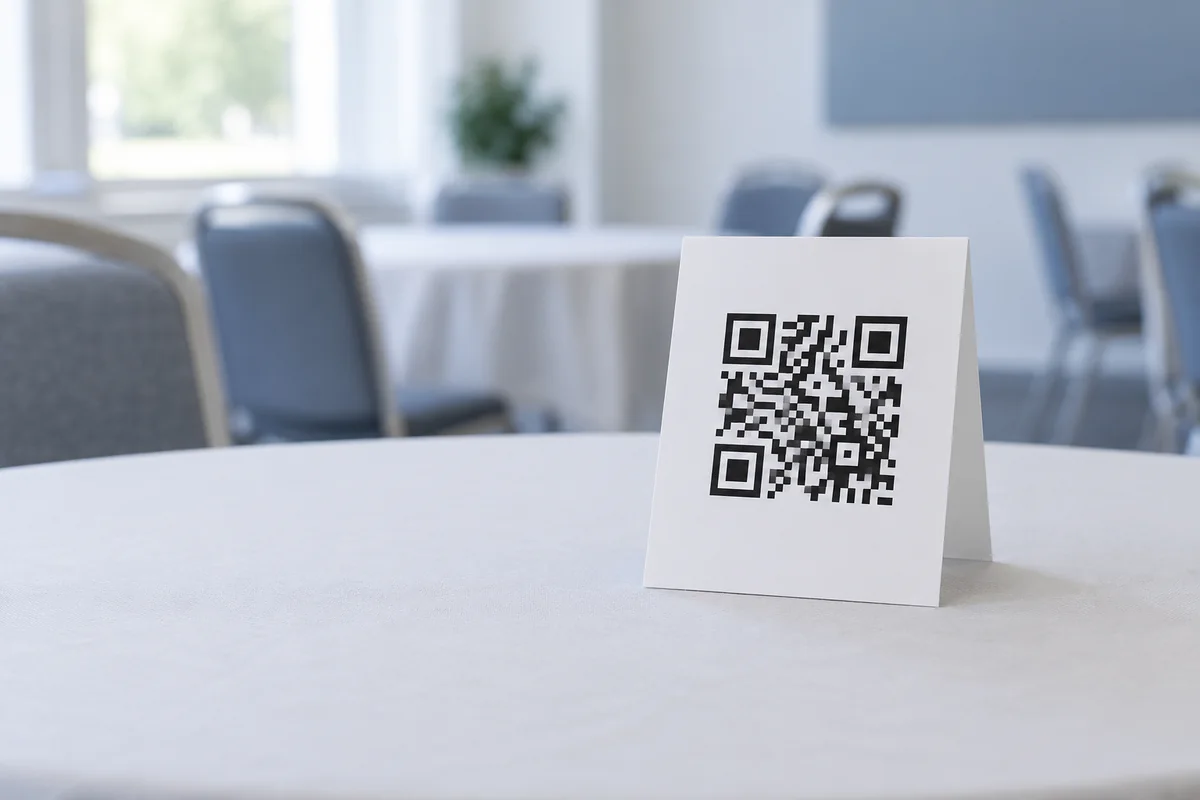
A QR code on the screen, in the programme or on a card at the door. Late arrivals use the same one.
Someone arriving late opens the same link and follows from where the speaker is. If a second speaker takes over in another language, change the spoken language at the desk and the captions follow. Pause when there is a break; resume when it starts again.
At the end, stop the session. There are no receivers to count back in and no equipment to collect. The transcript is there afterwards if you want it.
Before your event
Still working out how it would fit your room? We can help.
Talk to usStart a session with your own microphone, open the link on your phone, and read along.
A$10 of free credit when you sign up, no credit card needed. Credit never expires — use it this week or next year.