Does my audience need to install an app?
No. They open a link in the browser already on their phone, choose a language, and read. There is no account and nothing to download.
Someone speaks. Captions appear on the screen at the front and on every phone in the room, in whichever language each person picks. Nothing to hand out, and nothing for your audience to install.
A$10 of free credit when you sign up, no credit card needed, and A$10 more when you add a card. Credit never expires — use it this week or next year. The free credit alone is roughly 9 hours of live captions in one language.
Live captions: A$1.05 per hour, per language (Australian dollars; US$0.70 per hour or €0.60 per hour for accounts billed in those currencies). No monthly fee, no charge per listener.

Caption demonstration. Real output from a live SpanVoice session.
Phones · Projector · Stream · Spoken audio
You send us the sound from your event. Our servers translate it. It comes back on every phone in the room, on the screen at the front, and on your stream.
Two ways to do it. Use whichever suits the room.
The Windows app takes the signal straight off the mixer, on any Windows PC or laptop at the desk.
Any computer, tablet or phone that opens a browser — Windows, Mac, iPhone, iPad or Android. Nothing to install on any of them.
Served from the region nearest your venue.
AU · EU · US
Each person reads in the language they chose, in their own browser.
Captions sized for a room, in the colours the venue picked.
A caption band over the video, as a browser source in OBS, vMix or similar.
Spoken in their language, in the voice you chose for the venue, through the headphones already in their pocket.
One person speaks, and the same words reach all three together.
“The exits are at the back and on the far side of the room.”
Las salidas están al fondo y en el lado opuesto de la sala.
Las salidas están al fondo y en el lado opuesto de la sala.

Las salidas están al fondo y en el lado opuesto de la sala.
60 languages for captions and translation, any one into any other. What the room speaks is the operator’s choice and can change mid-event. What each person reads is their own.
If you need anything at all during the day, simply ask any one of us.
Si necesitan cualquier cosa durante el día, simplemente pregúntenos a cualquiera de nosotros.
Anywhere one person is speaking and part of the room is only getting half of it.
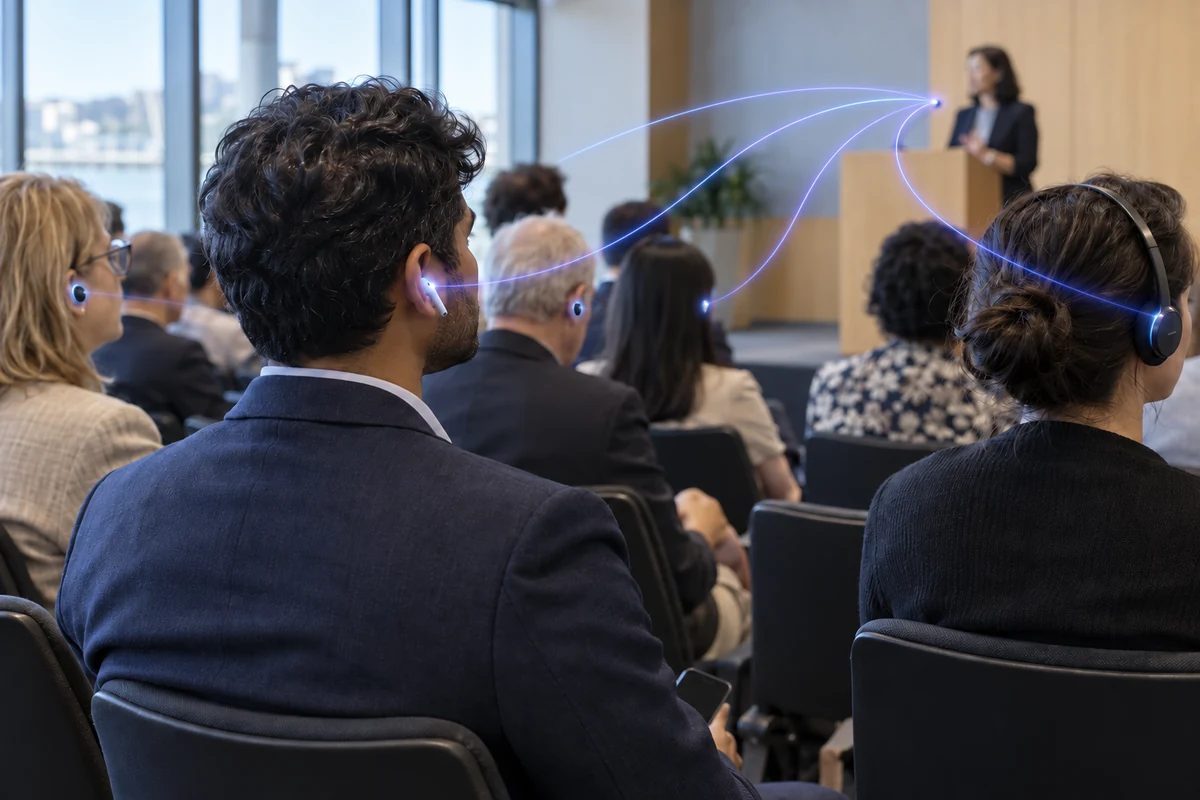
Delegates join late, leave mid-session and move between rooms.
Useful for

The same team meets each week, and HR needs to know whether everyone understood.
Useful for
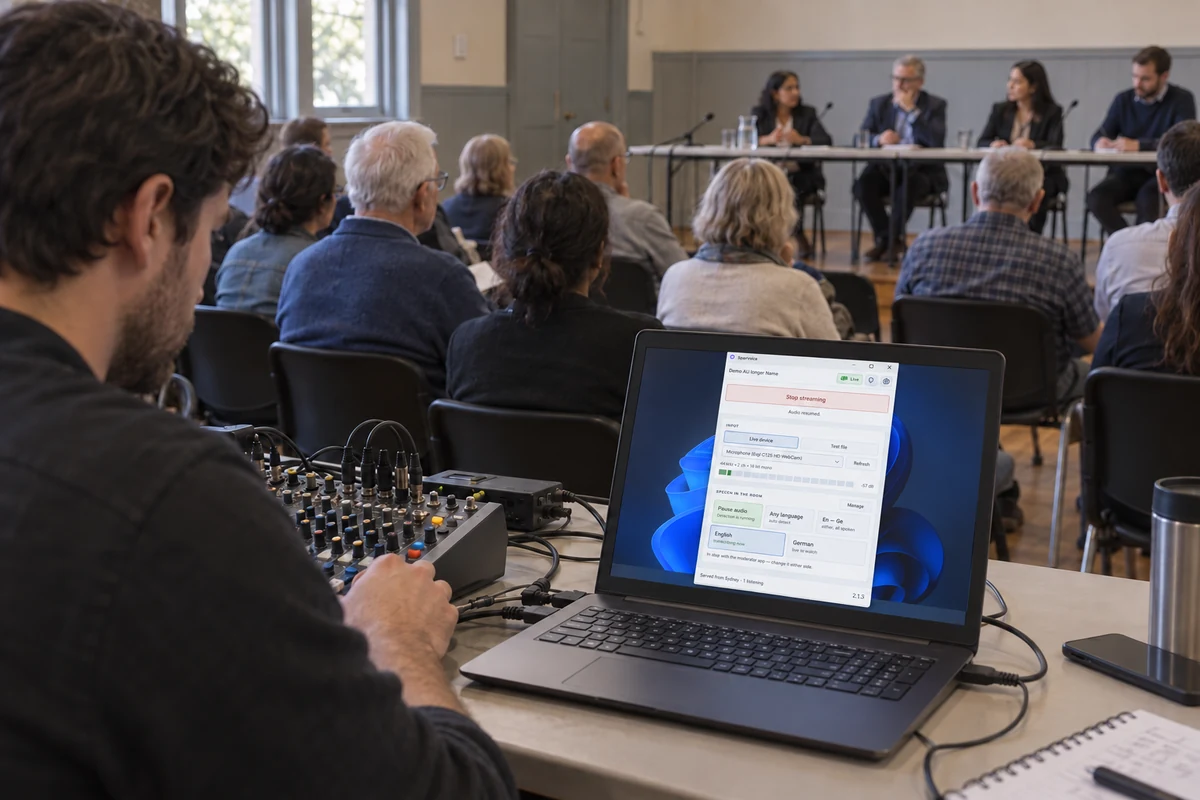
Public access and an accurate meeting record are responsibilities, not optional extras.
Useful for
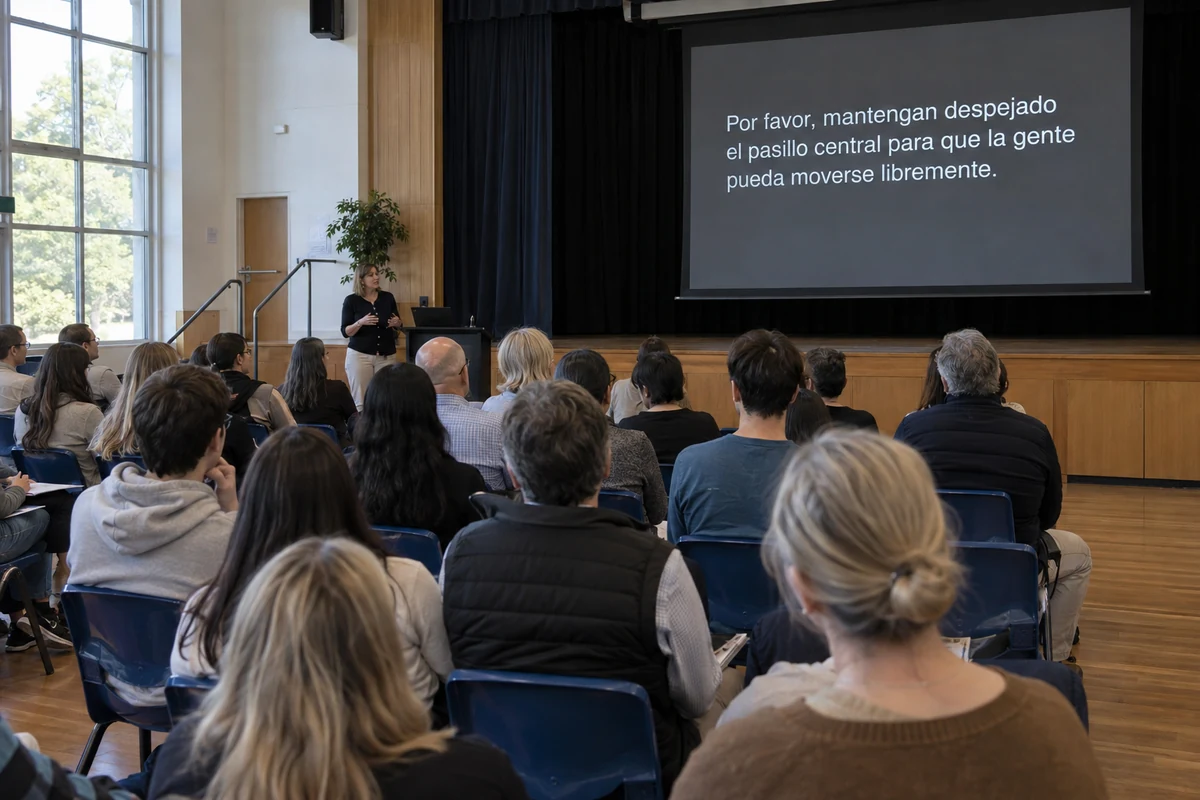
A room of students or parents has limited attention to spare.
Useful for
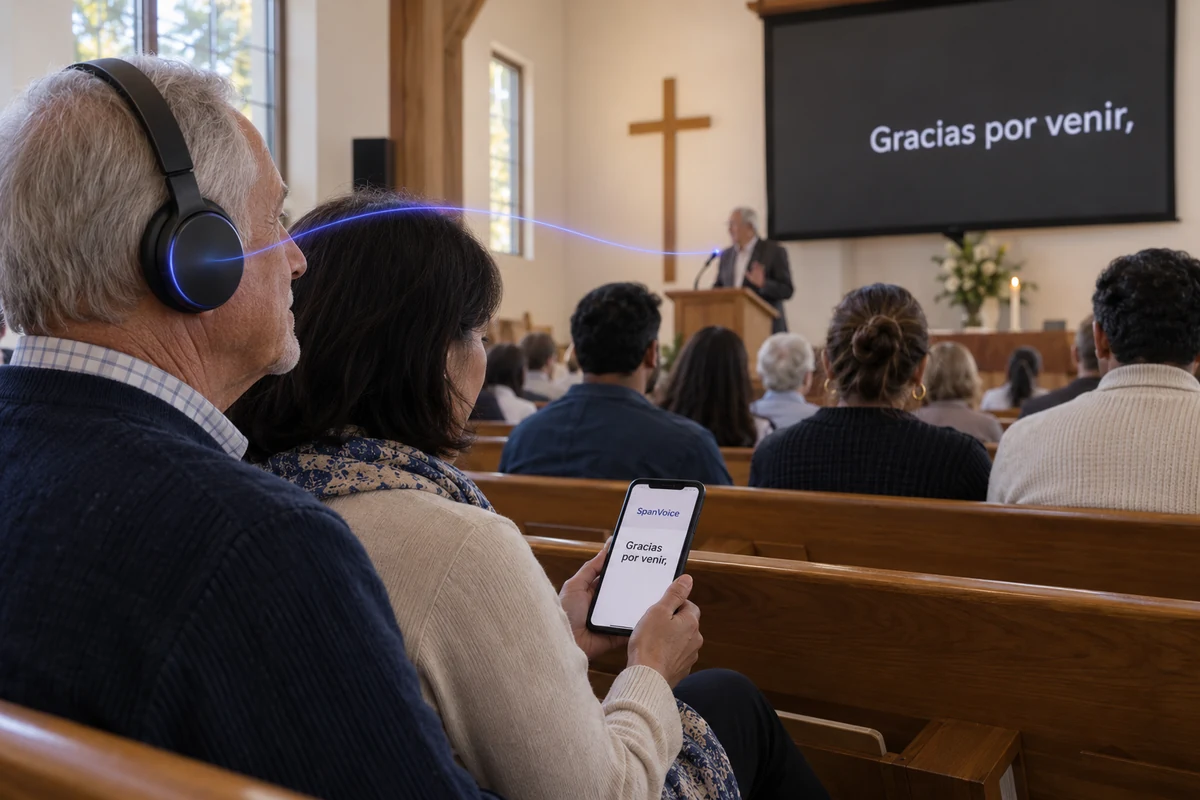
A volunteer has to get the room ready at the same time every week.
Useful for
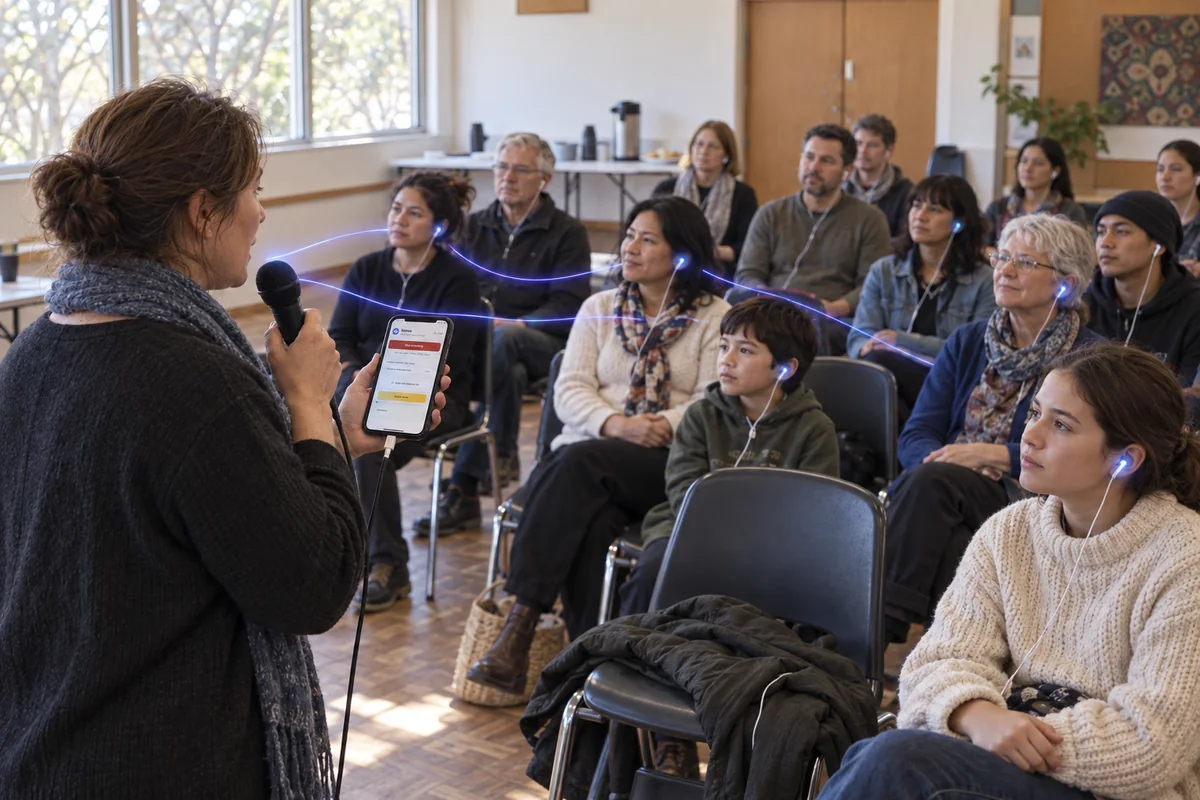
The languages arrive with the guests, in a borrowed hall with little to spend on equipment.
Useful for
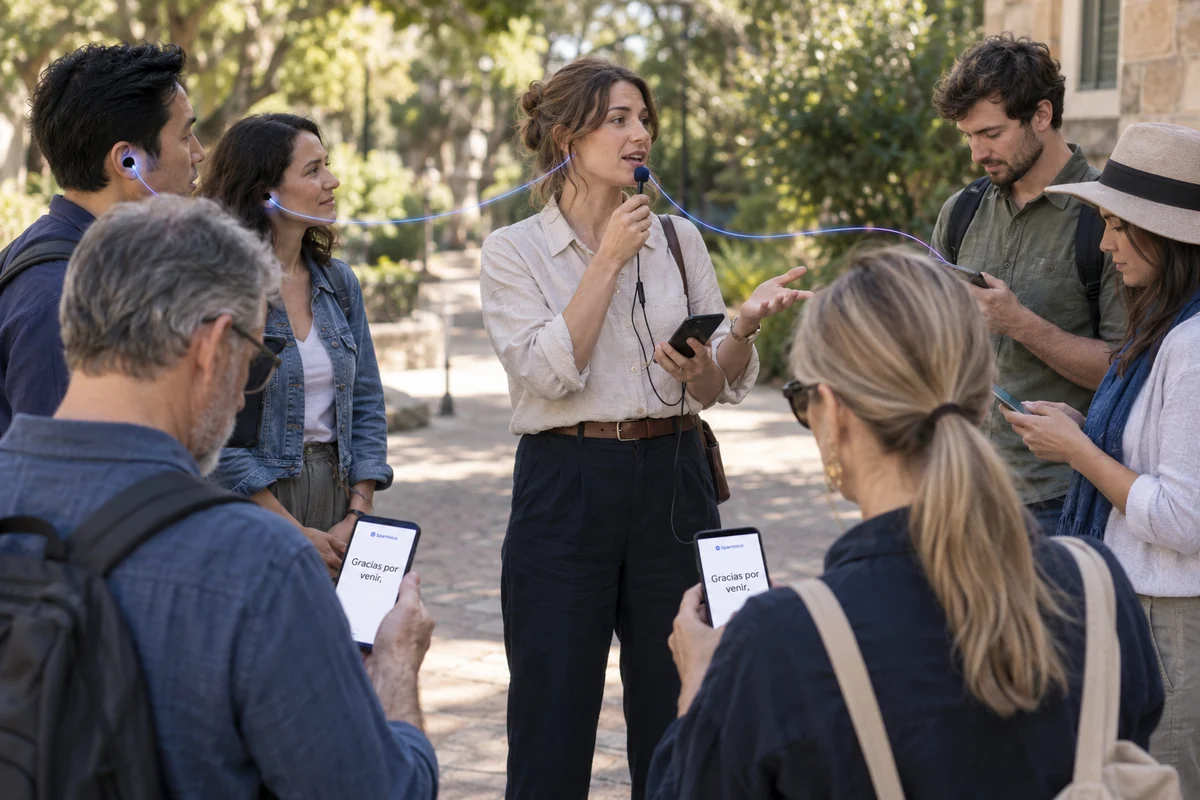
The group is spread over thirty metres and half of it cannot hear you. There is no room, no screen and no sound desk — only the phone already in each visitor’s pocket.
Useful for
One person speaks. What they say is transcribed, translated, and put in front of everyone else as each sentence finishes — on the phones they already carry, on the screen at the front of the room, over the stream going out to people who are not in the building, and as spoken audio for anyone who would rather listen than read.
There are no receivers to hand out and count back in at the end, no booth to build, and nobody has to download anything. The person running it needs one computer at the desk and the audio feed that already goes to the speakers. A laptop browser is enough to start with; a direct feed from the mixer through the Windows app is better, and is what most rooms settle on once they have run it a few times.
It is used where a room does not share one first language — conferences and AGMs, council and community meetings, staff briefings and inductions, lectures and information evenings, and services in congregations with members who arrived speaking something else. The room is different every time. The setup is not.
Most organisations need translation for a few hours a week, and a subscription makes them pay for the other hundred and sixty. You are charged for the time you actually run, in the languages people actually chose. No language slots to buy, nothing counted per seat, and credit you have paid for never expires — run one event a year and it is still there.
Captions are charged by the hour, for each language someone is actually listening in. Spoken audio is charged by the minute. Live rates in every currency we bill in, and a calculator for your own event are on the pricing page.
Nothing recurring, and nothing to cancel. Buy the time you need, when you need it.
Run nothing this month and you pay nothing this month. There is no floor to clear.
Top up once and use it this month or next year. There is no billing period for it to lapse at the end of.
Price your event wherever you like, then work the same event out here. We are very comfortable being compared.
Before you start
Not sure what your room needs? We can help you work it out.
Talk to usStart a session with your own microphone and your own languages, and see what the room sees.
A$10 of free credit when you sign up, no credit card needed, and A$10 more when you add a card. Credit never expires — use it this week or next year.